01 Unconnected information
Information is rarely as tidy as software expects
Projects. People. Documents. Ideas. Devices. Notes. Customers. Images.
Your information doesn't live in neat categories. Neither should your workspace.
The product
Work with your AI assistant. Keep your sources, decisions and results in a shared space that you can return to through different tools and perspectives.
What you can do
Start with the part that helps today. Your information stays connected as you add more ways to work with it.
Draw, connect and refine ideas on the same board with other people and your AI assistant.
Explore Whiteboards →Editor in the web appKeep an actionable checklist with the work. Check off tasks or ask your assistant to update the same Markdown list.
From discussion to action →Record what an Environment is for and how you work, so another conversation can pick up the same context.
Give work a starting point →See recent changes in the web app. People and assistants work within the access they have been given.
Follow the work →Keep a project’s notes, facts, files and links together, with the context that makes them useful.
Meet the building blocks →Select the Things you want to work with and bring information together in a useful overview.
Choose your perspective →Explore connections in Relation Space, or draw a floor plan and view its spatial model.
Explore spatial context →Floor-plan editor in the web appAgree on field meanings and useful values. Add recommendations or required checks where the work needs them.
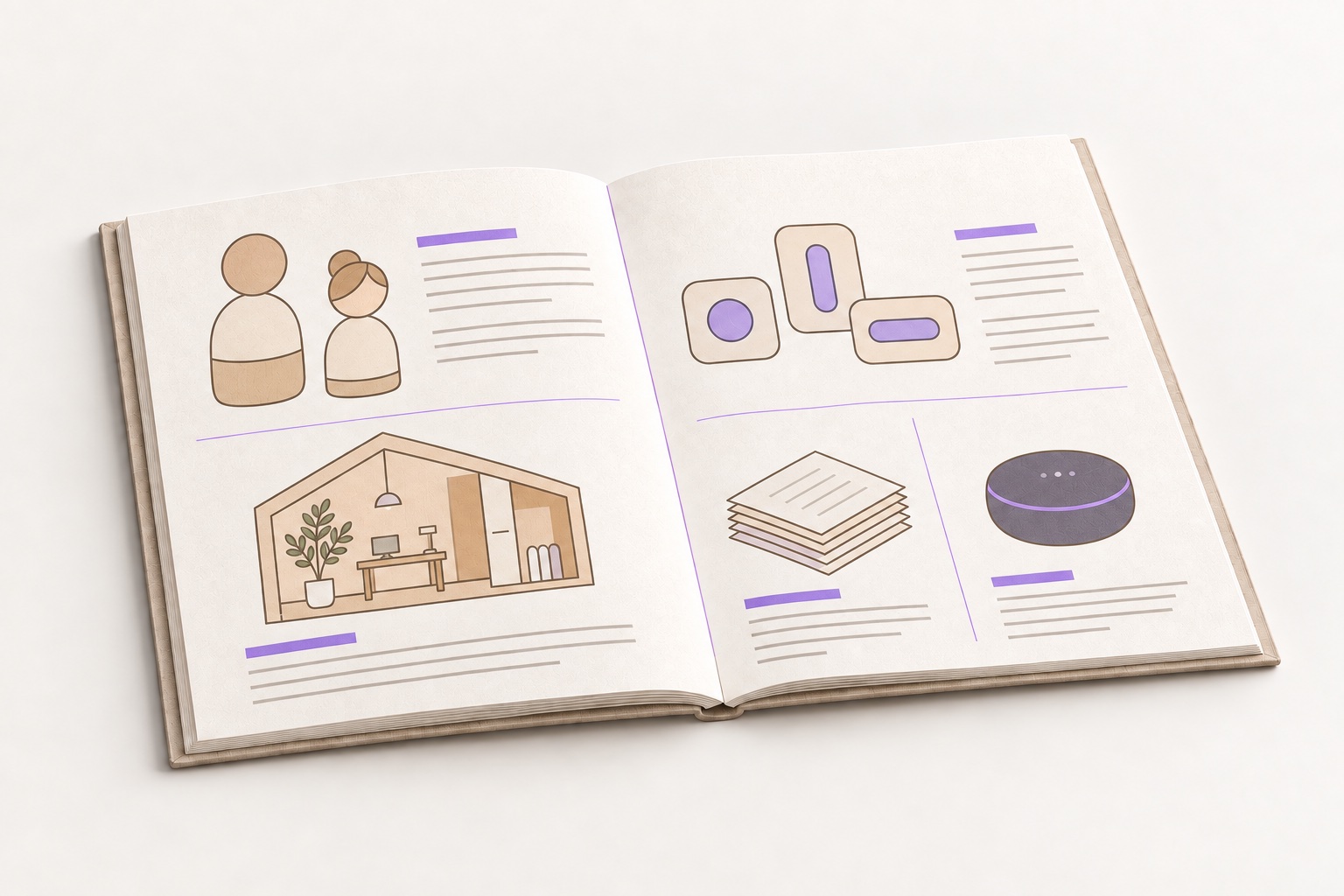
Define what information means →Compose tables, cards, lists and counts from your real data. Preview the result and save a shared Report.
Build an overview →Guide an assistant with reusable instructions for content, structure and appearance.
From sources to results →Name meaningful versions, revisit earlier work and trace a generated file to its recorded source revision.
Keep the story behind the result →Connect assistants, devices and services. Choose Cloud storage or a local Environment on your equipment.
Explore local Environments →Explore Providers →01 Unconnected information
Projects. People. Documents. Ideas. Devices. Notes. Customers. Images.
Your information doesn't live in neat categories. Neither should your workspace.
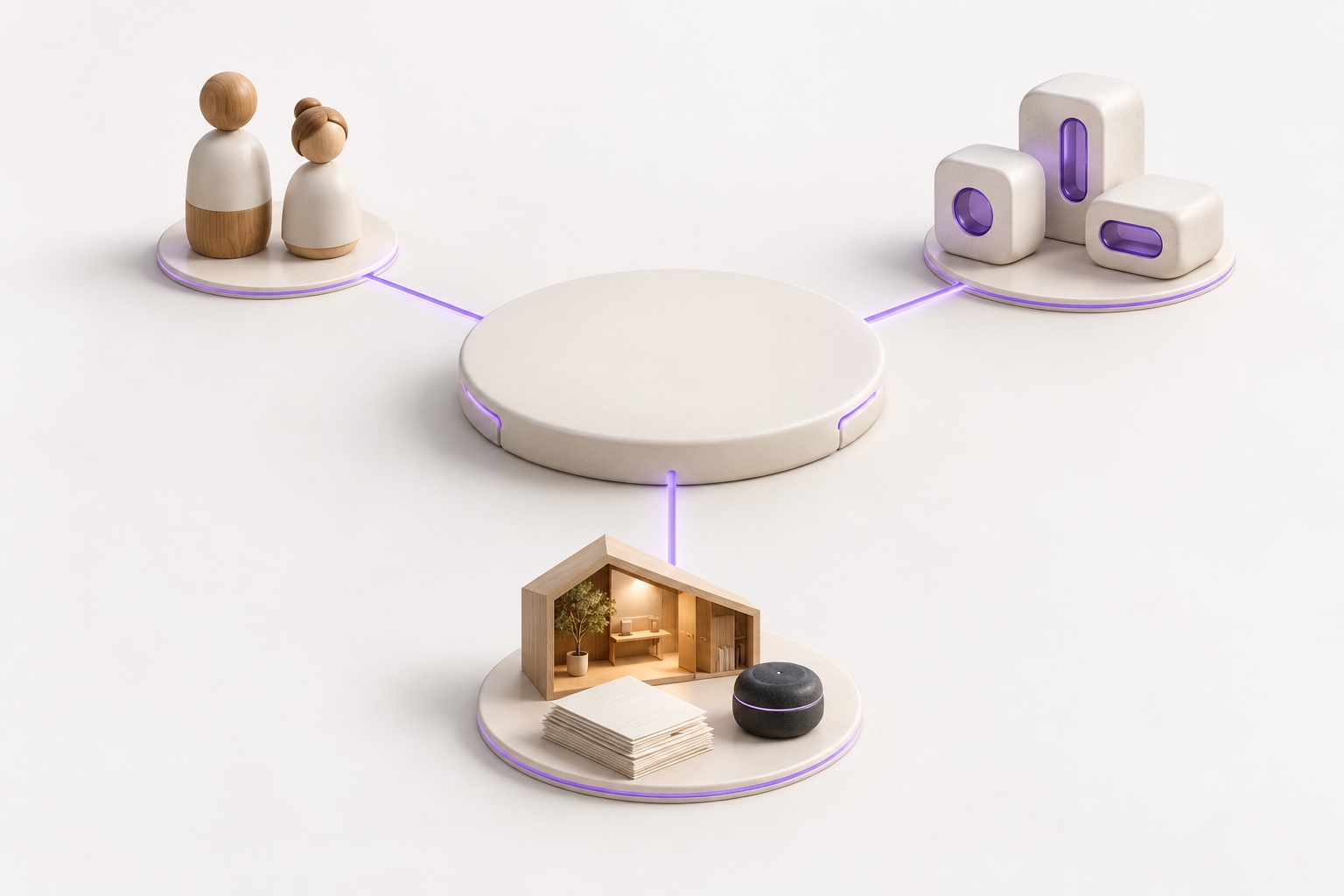
02 Things + connections
A customer. A project. A song. A device. A building. A document.
MiddleGround doesn't need to know what a Thing means. It gives it structure, context and connections. You decide what it represents.
03 Perspectives
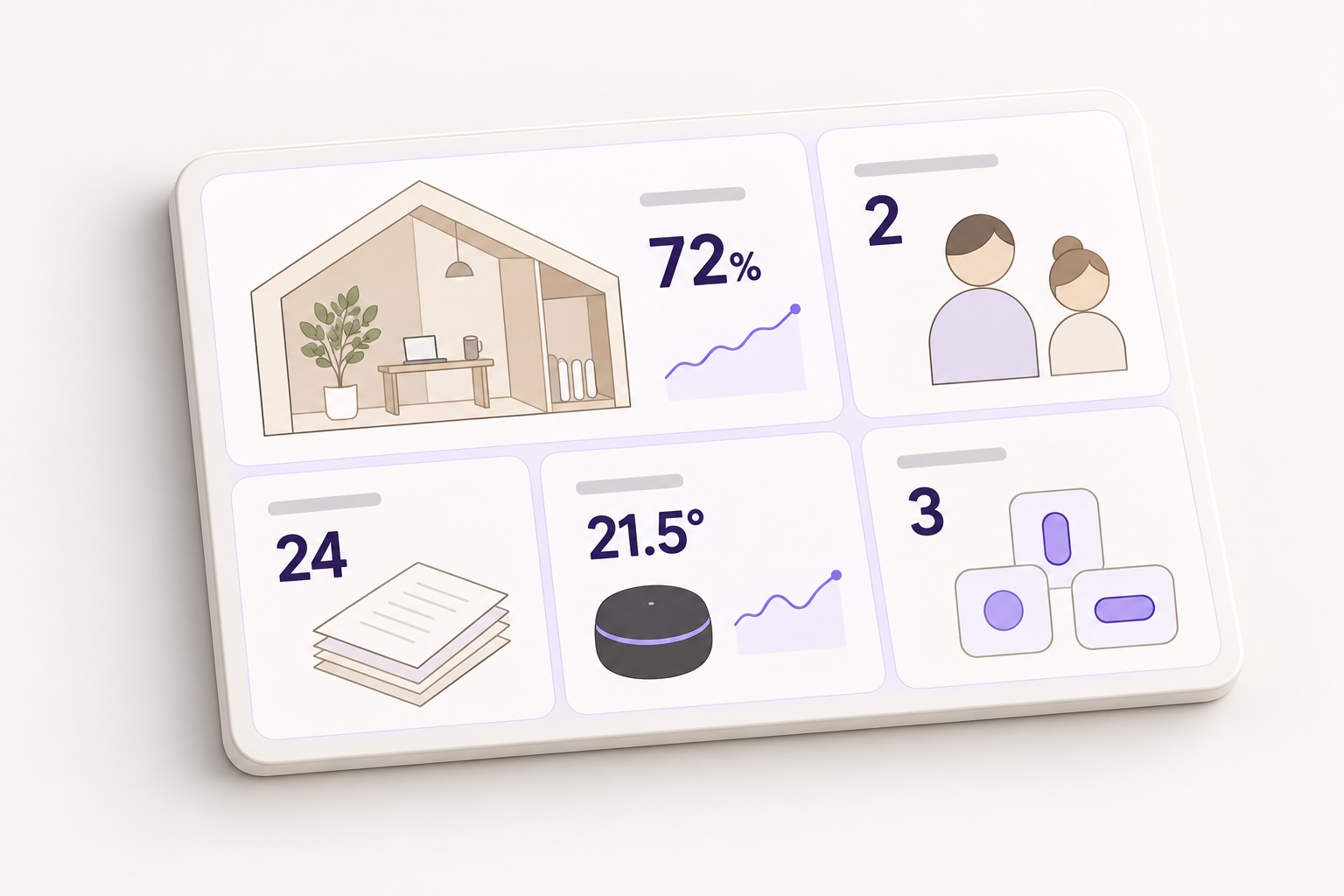
Views. Dashboards. Relations. Reports. Relation Space.
The information doesn't change. Only the way you look at it does.
04 AI + application access
MiddleGround gives AI systems access to the same structured context you work with, without locking that context inside a single assistant.
Connect people, applications and AI through MCP and APIs while keeping the information itself in a shared space.
Explore the integration guides05 Connected information space
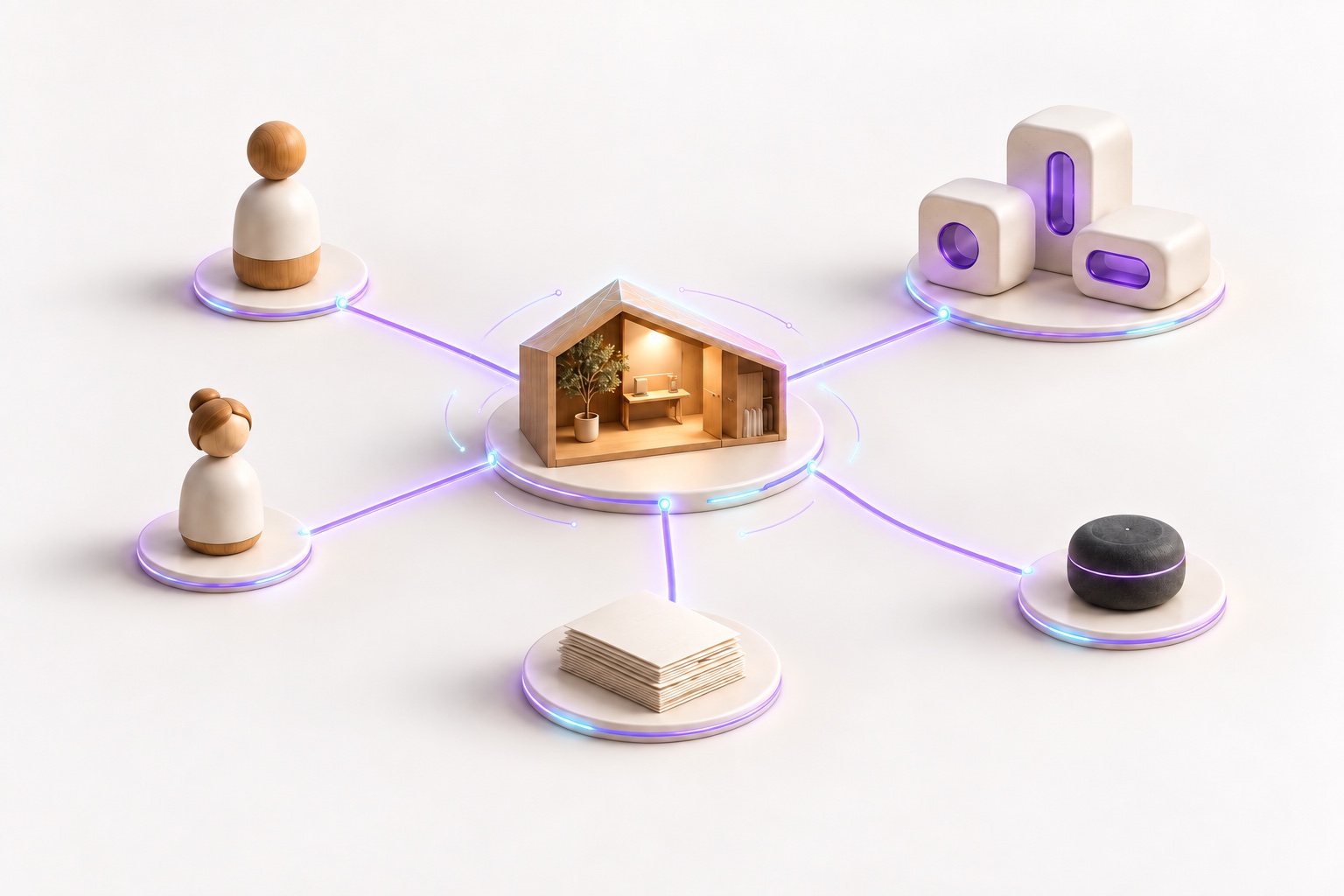
People. AI. Applications. Files. Devices. Services.
Your space. Every connection.
Choose your perspective
Most software gives your information a destination. MiddleGround gives it a place to exist.
People, AI and applications work with the same connected information through MiddleGround.
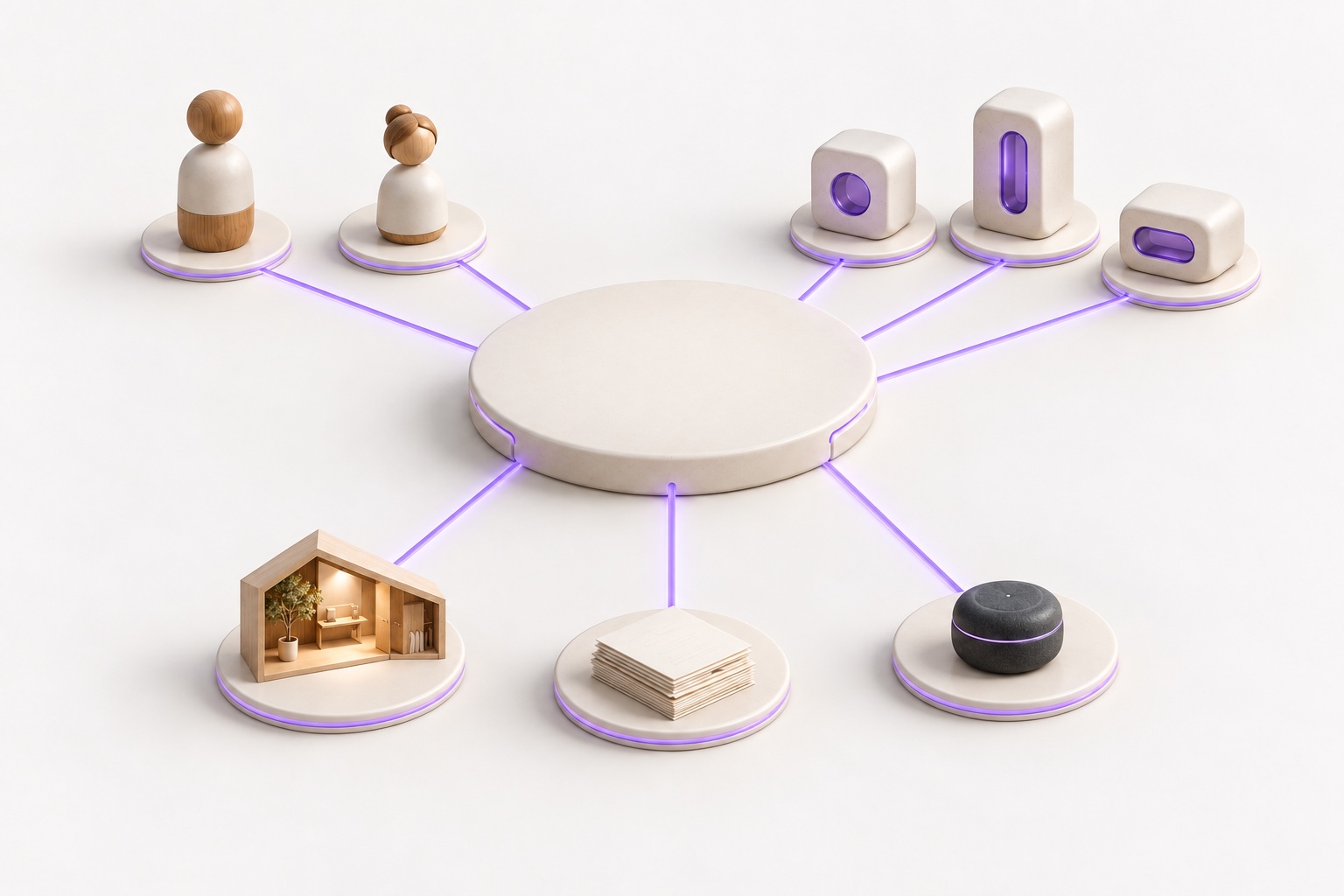
 MiddleGroundThings
Each person, application, space, document or device has its own place, context and connections.
Conceptual illustrations · the same elements, different perspectivesOne shared information spaceContext · Artifacts · Relations
Inside MiddleGround
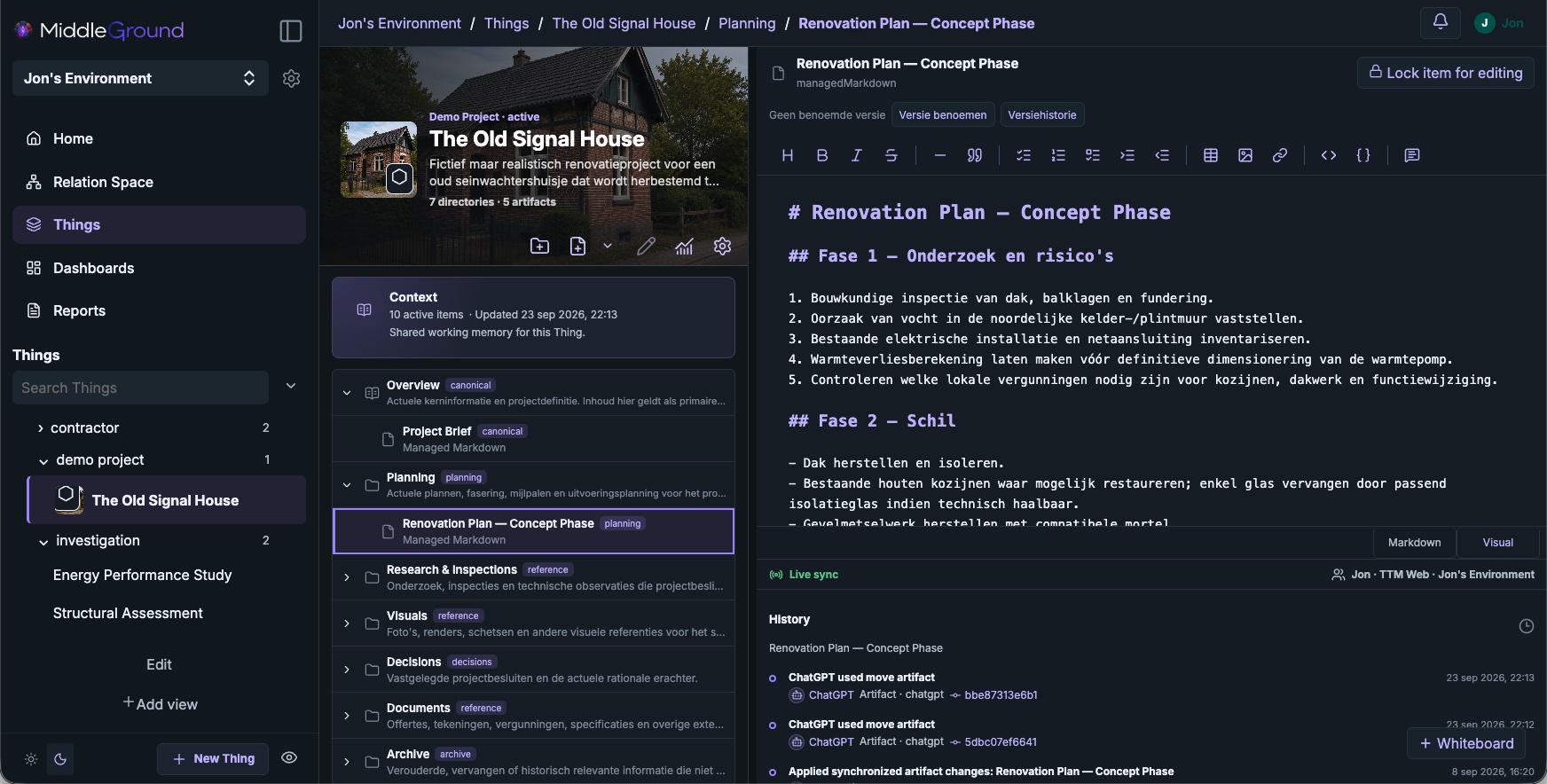
Step inside The Old Signal House, a demo renovation project. See its plans, research and relationships in the workspace.
01 / The workspace
Keep plans, research, images and decisions together, with the context that gives them meaning.
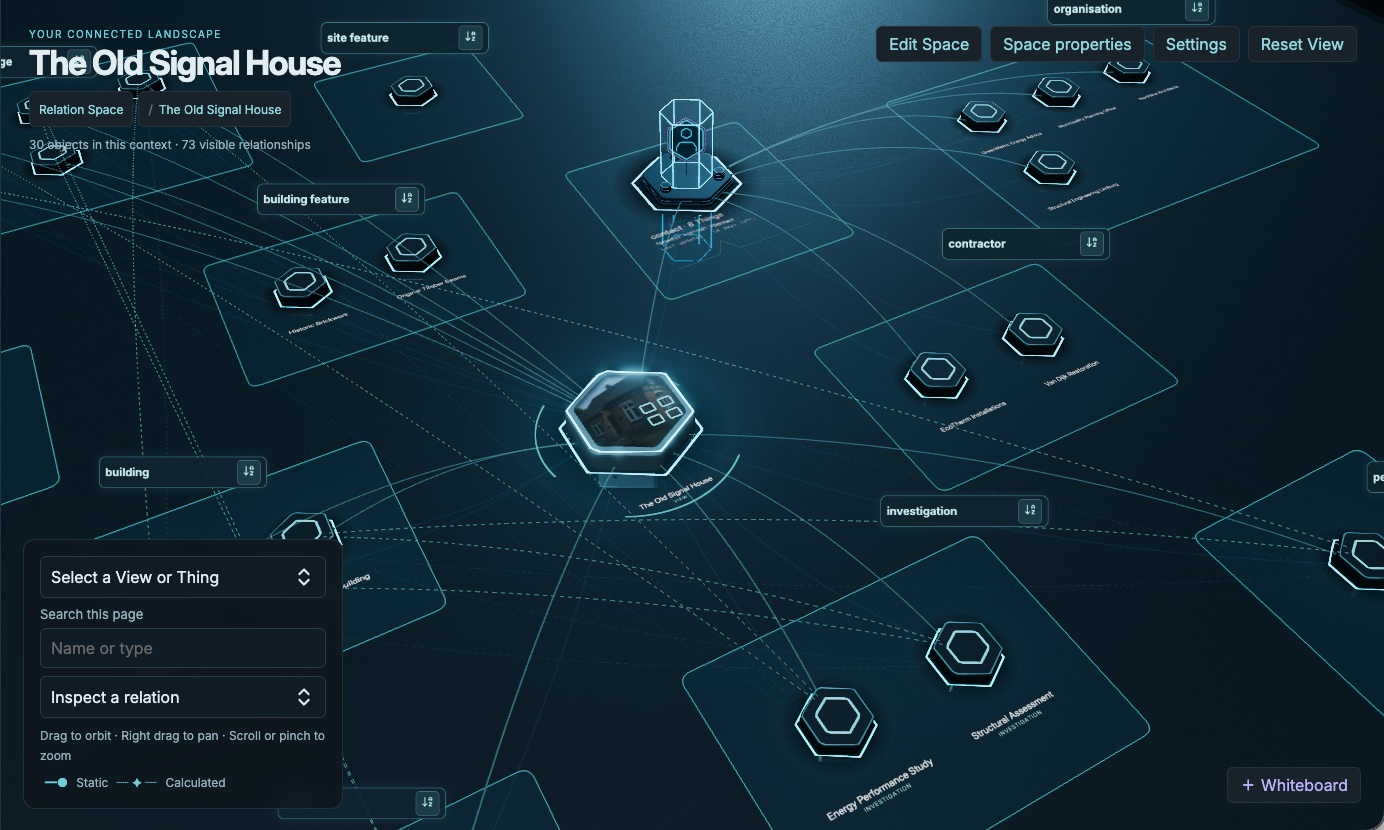
02 / Relation Space
Explore the same project through its relationships. Move from the wider picture to the context of an individual Thing.
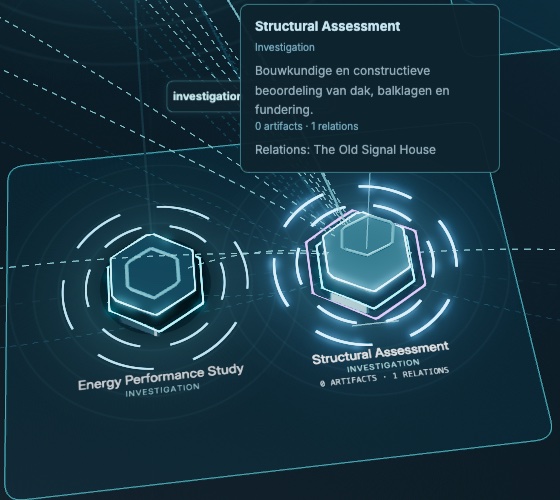
A closer look
A structural assessment is more than a name in a diagram. Inspect its purpose and its relationship to the project, right where you are.
Detail from the same demo project.
From connected sources to a clear document.
Explore Reporting →Bring devices and services into the same context.
Explore Providers →We measure tab sessions, pages, visible time and approximate city/country for 90 days. No cookies or stored IP addresses. Temporary session storage expires after 30 minutes of inactivity or four hours. Do Not Track and Global Privacy Control disable measurement.