 MiddleGround

The idea, in three steps
Do the work together.
Keep what you build.
 01 · Your starting point
You bring the ideas.
A question, a document, a plan. Start with what matters to you.
 02 · Work with your assistant
Your AI helps do the work.
Explore, organize, write and update. Let your assistant handle the notes and preparation along the way.
 03 · A shared foundation
MiddleGround keeps it connected.
Your sources, decisions and results stay together, ready for another person, assistant or conversation.
At home in your own environment
Your environment.
Your choice.
Keep your Environment in MiddleGround Cloud, or on your own machine with a Connector. Work with it through your AI assistant and the MiddleGround web interface.
Explore local environments →
MiddleGround in practice
Start with something you recognize.
Different projects. The same idea: work with your assistant, while your shared information grows with you.

Run a small business.
Prepare the job, update the records and turn the day’s work into a useful overview.
Small business & administration →
Plan a trip together.
Everyone brings ideas. Their assistants help shape one shared plan.
Planning a trip →
Stay with the song.
Keep creating while your assistant helps organize feedback, decisions and the next session.
Making a song →Inside MiddleGround
A place for the work behind the conversation.
Plans, sources and decisions belong to the project. Open the workspace to see them together, or explore the same information through its connections.
Take a look inside →Devices and services can join the picture too. Explore Providers →

A shared place to think
Work on the picture.
Together.
People and connected AI assistants can read and edit the same Whiteboard. Turn a discussion into a diagram, refine it in the web app and keep it with your Thing.
Explore Whiteboards →From shared plans to tasks and working agreements. See what you can do in MiddleGround →

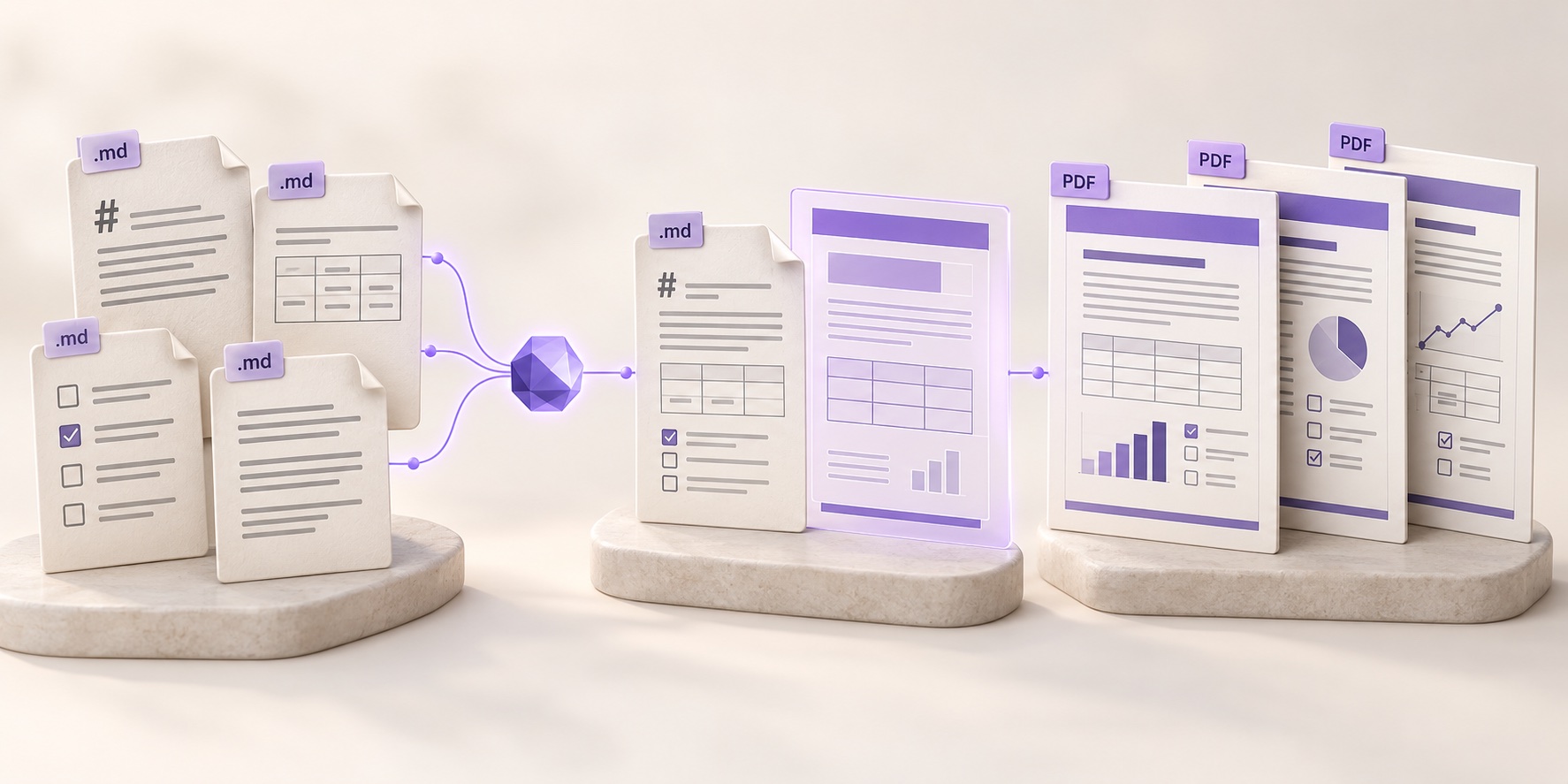
From information to results
A clear result.
With the sources behind it.
A project report, a travel brief or a research summary. Your assistant brings the right information together. A reusable template guides the content, structure and appearance of the result.
Explore Reporting →Your next step
Bring your next project.
Start with one Thing and an assistant you already work with.
MiddleGround is under active development. Explore the use cases to find your starting point.
Join the beta
Request access to beta program
Have something you would like to build, organize or explore with MiddleGround? Tell us about it.
We review each request. If accepted, you will receive an invitation by email to create your account.