 MiddleGround
 in practice
Stay with the song. Let your assistant look after the project.
A lyric changes, a new demo arrives and someone sends feedback after rehearsal. Your AI assistant helps capture the changes, organize the responses and prepare the next session, while MiddleGround keeps the creative work connected.

01 · The starting point
It starts in different places.
Lyric ideas
Lines, themes and drafts.
Demo recordings
Early recordings of the song.
Arrangement notes
Ideas about how the music develops.
References
Inspiration gathered along the way.
Artwork
Visual ideas for the project and release.
Mixes & release
Mix and master versions, alongside release information.
02 · A shared picture
A creative partner with somewhere to keep the work
You share a lyric draft and rehearsal notes with your connected assistant. It helps explore alternatives, gathers the feedback into themes and saves the choices you want to keep with the song in MiddleGround.
When a collaborator adds notes, their contribution becomes part of the same project. Each assistant can work from the shared material it can access. MiddleGround keeps lyrics, recordings, feedback and decisions connected, so a useful conversation becomes part of the ongoing work.

03 · In practice
How it works in practice.
Catch the idea in conversation
Talk through a theme or share a first lyric with your assistant. Ask it to save the idea and the directions worth exploring, without having to design a folder structure first.
Make feedback usable
Bring together rehearsal notes and comments from collaborators. Ask the assistant to summarize the feedback, separate agreed changes from suggestions and save an action list for the next session.
Keep track of what changed
Tell the assistant which demo and lyric draft belong together. Ask it to record the decisions and prepare a short version summary, so the next collaborator can pick up the work.
Prepare the release from what is already there
Ask the assistant to gather the approved credits, artwork notes and release details into a release brief, with a checklist of missing items. The brief can be saved and presented as a PDF using a reusable layout.
From context to action
What could you ask or do next?
Conceptual examples of working with a connected AI assistant using the information you share in MiddleGround.
- Summarize the rehearsal feedback and propose priorities for the next session.
- Record this lyric decision with the current demo.
- Compare these lyric drafts and extract the changes we agreed on.
- Prepare a release brief from the saved credits and artwork notes.
- Update our checklist with the remaining release tasks.
The result
More attention for the music, less effort keeping track
Your assistant helps develop ideas and handles the notes, summaries and preparation around them. MiddleGround keeps the source material, versions, decisions and resulting briefs together, so the next session starts with the creative context intact.
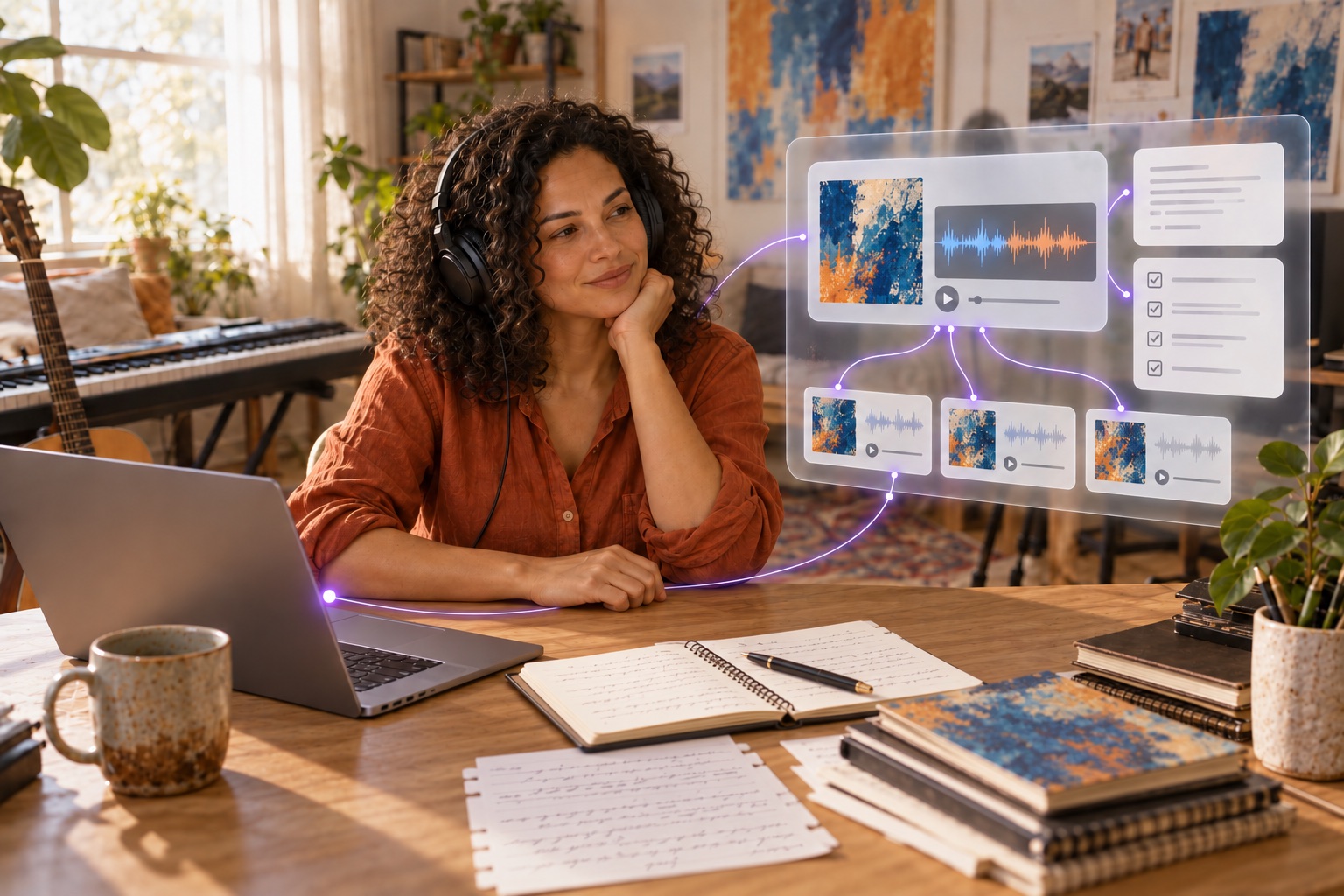
Ideas and feedbackWork with your assistantSaved decisions and versionsSession and release briefs
Explore the guide