 MiddleGround
 in practice
Build the smoker, with an AI assistant keeping the project together
You have sketches, a growing parts list and plenty of questions. Your AI assistant helps organize the research, record design choices and keep the build log up to date, while MiddleGround connects the paperwork to the thing you are making.
01 · The starting point
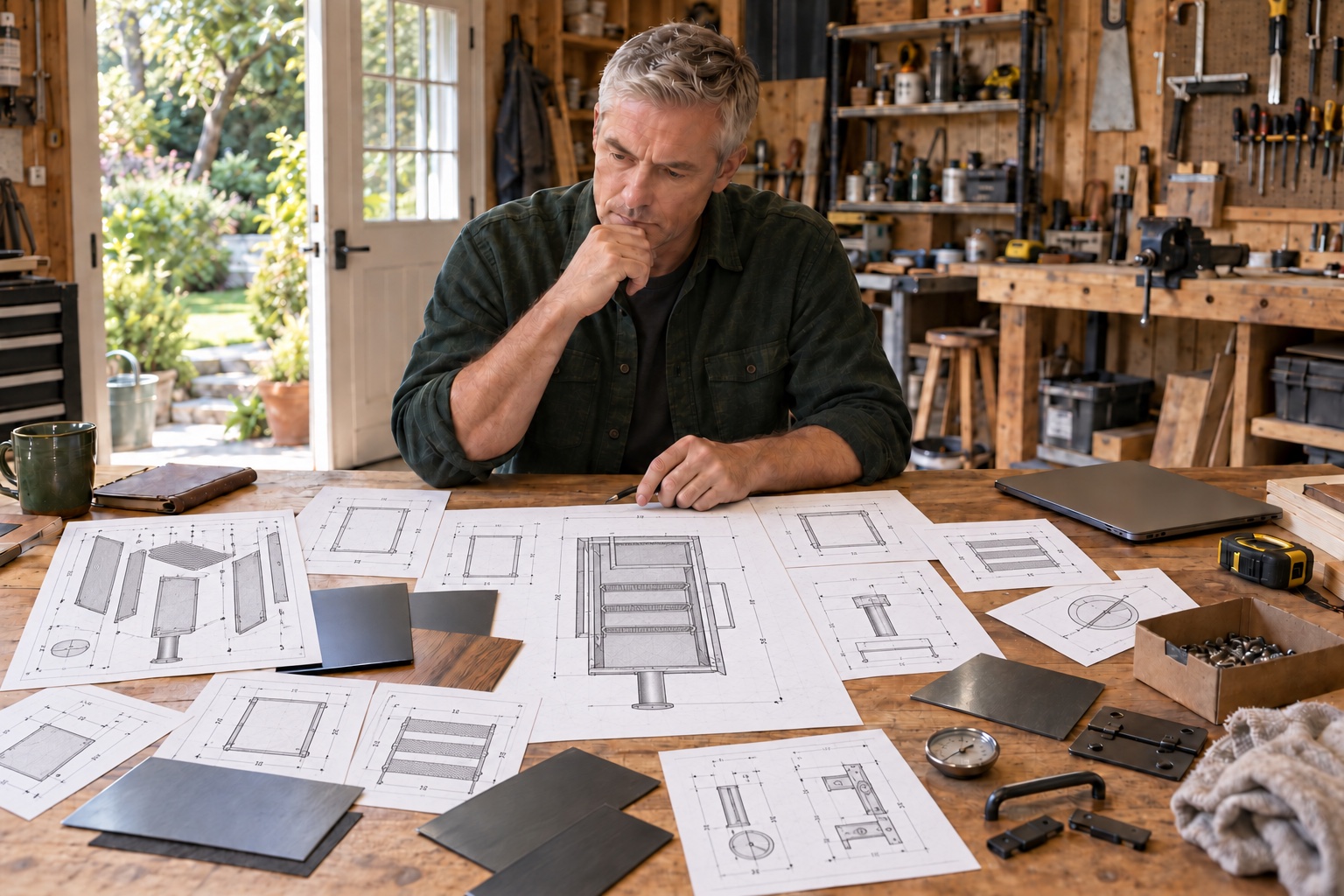
It starts in different places.
Inspiration
Images and websites that spark ideas.
Materials
Lists of the materials and parts you need.
Sketches & dimensions
Design ideas and measurements.
Purchases
Orders and information about where parts came from.
Manuals
Reference documents for the project.
Build photographs
Images of the work as it progresses.
02 · A shared picture
A workshop project your assistant can keep building on
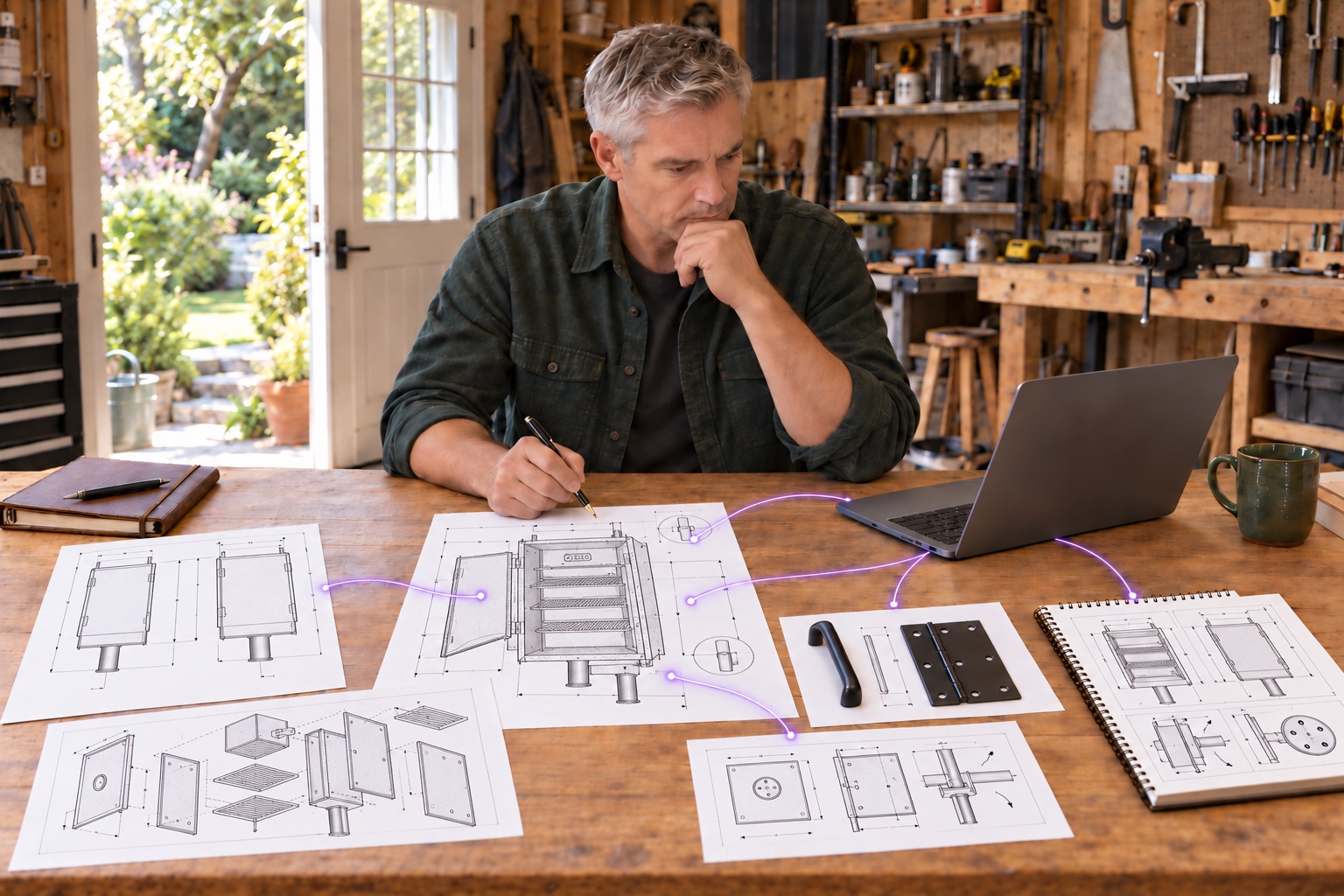
At the bench, you talk through an idea and share your sketches with a connected assistant. Ask it to collect the requirements, keep track of parts and record the choices you make in MiddleGround.
As plans change, the assistant can update the lists and prepare the next steps from the saved information. MiddleGround keeps drawings, supplier documents, purchases and observations connected to the project, so useful details do not disappear into separate chats.
03 · In practice
How it works in practice.
Turn research into a working brief
Ask your assistant to summarize the references you provide, extract requirements and list the questions still needing an answer. Save that brief with the source material.
Keep the plan and parts list in step
When you choose dimensions or materials, ask the assistant to record the decision and update the parts list from the plans. It can prepare a purchasing checklist and flag details that still need checking.
Let the build log follow the work
Share progress notes, photographs and purchase details. Ask the assistant to file them with the right parts of the project and summarize what is finished and what comes next.
Turn observations into improvements
After a test, describe what you noticed. Ask the assistant to prepare a test summary, separate observations from possible explanations and draft an improvement list. Save the report with the build, ready to review before the next change.
From context to action
What could you ask or do next?
Conceptual examples of working with a connected AI assistant using the information you share in MiddleGround.
- Extract a parts checklist from these plans and mark details that need checking.
- Record this design choice and the reason for it.
- Add this purchase to the build and update the outstanding parts.
- Summarize the build log in a project report using our template.
- Turn these test observations into a summary and proposed improvements.
The result
A finished object with a project record you can use
The assistant takes care of organizing notes, updating lists and preparing build reports while you make the project real. MiddleGround keeps those outputs with the drawings, sources and decisions behind them, giving later improvements a starting point.
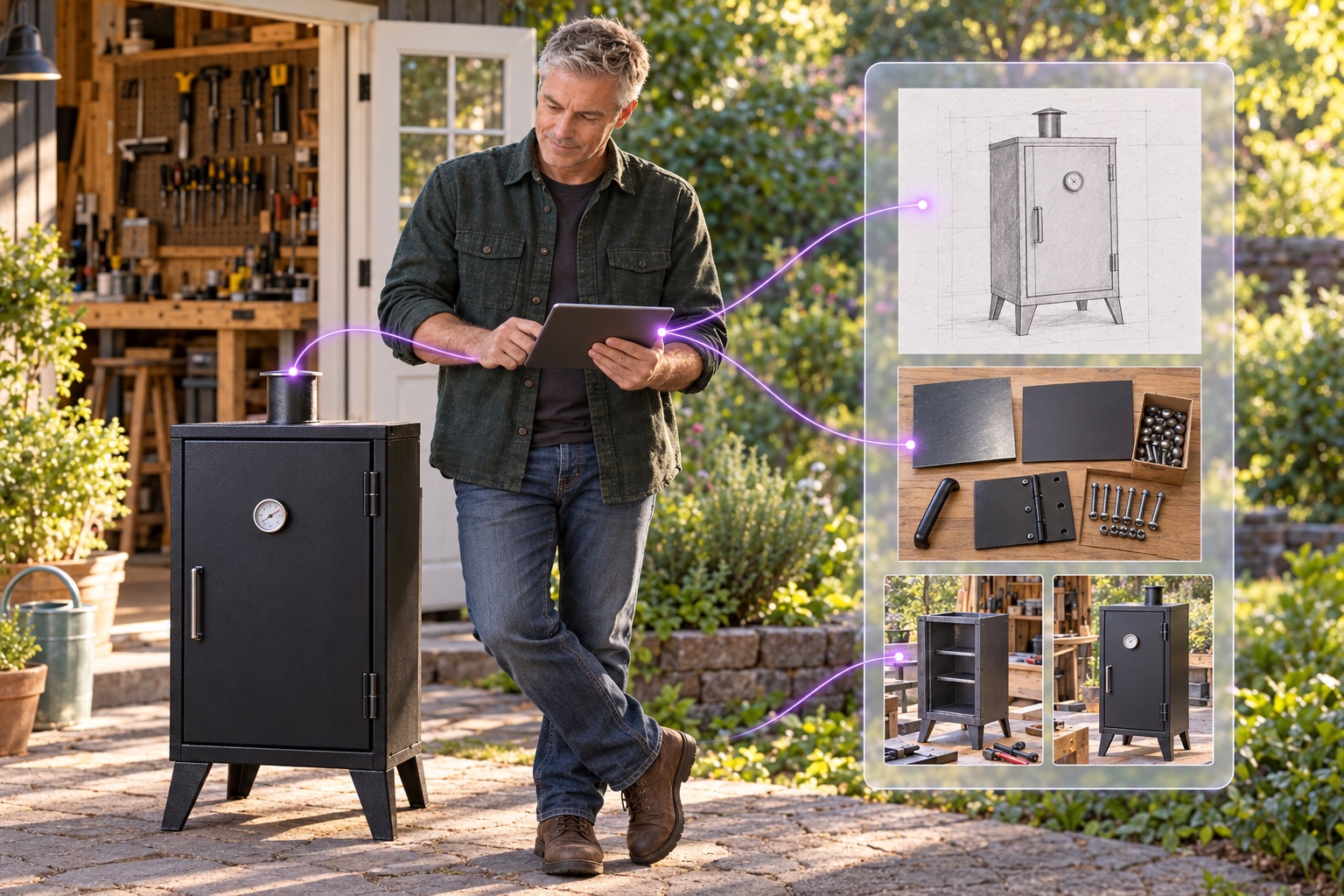
Research and drawingsAssistant-maintained plans and recordsBuild reportsReviewed improvements
Explore the guide