 MiddleGround
 in practice
Think with an AI assistant. Keep the evidence with the work.
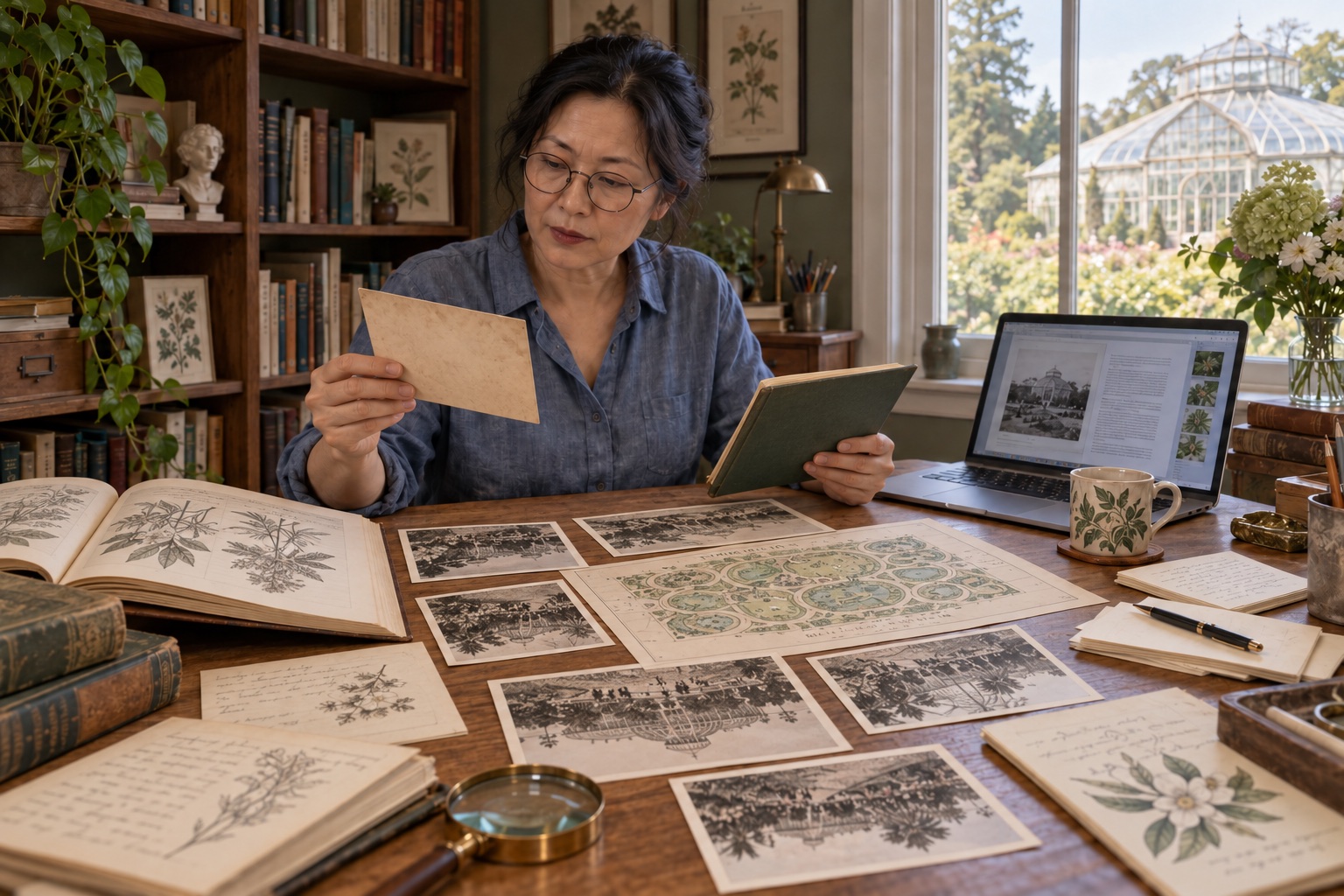
A researcher exploring a botanical garden’s history finds maps, letters and conflicting dates. Her AI assistant helps extract details, compare accounts and draft conclusions. MiddleGround keeps the sources and developing argument connected.
01 · The starting point
It starts in different places.
Bookmarks & PDFs
Sources saved across different systems.
Notes & quotations
Excerpts and observations gathered while reading.
Questions
Things you still want to understand.
People
Names that appear across your sources.
Timelines
Events and their place in the bigger picture.
Ideas
Your own interpretations and emerging conclusions.
02 · A shared picture
A shared body of knowledge behind the conversation
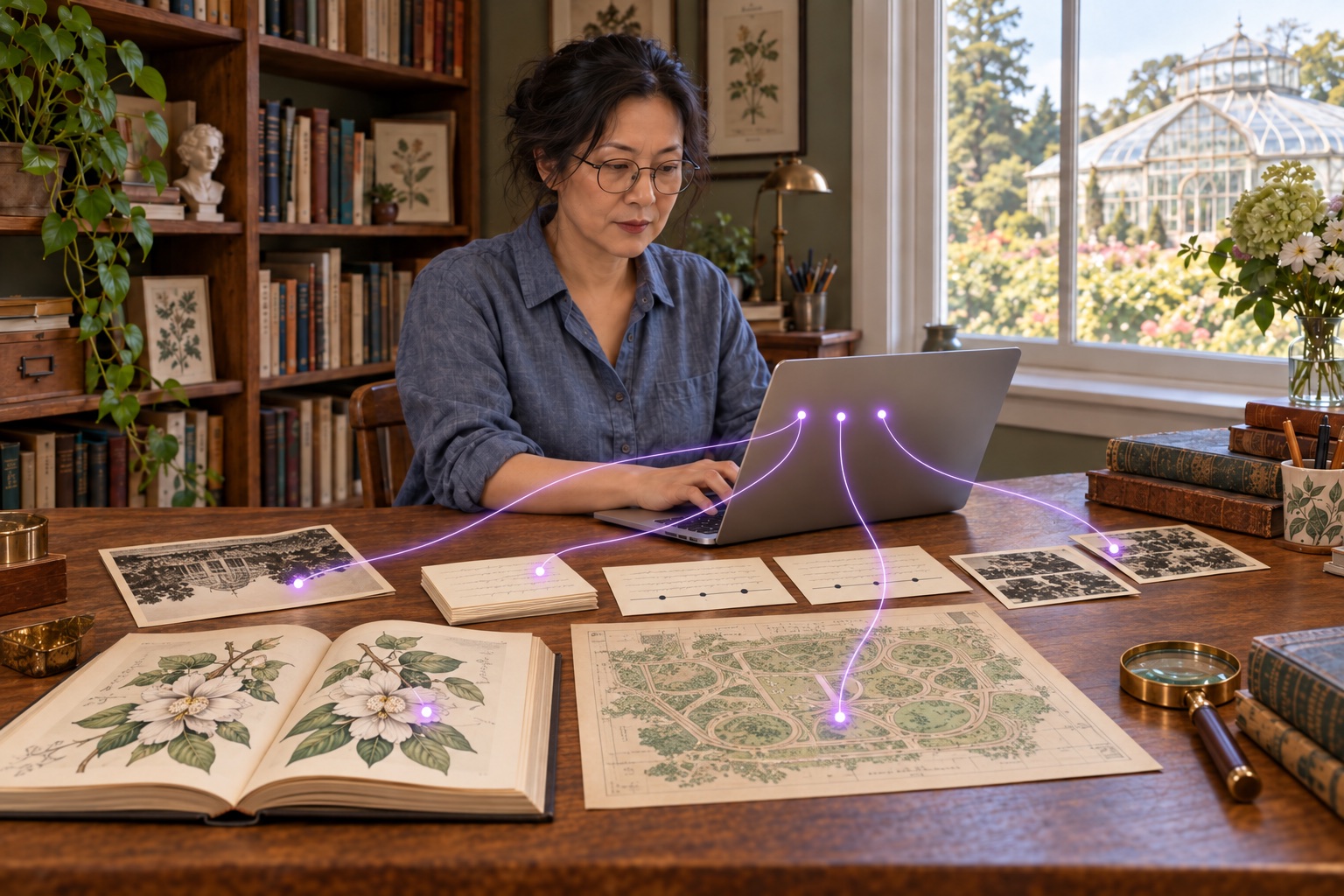
The researcher gives her connected assistant a new source and asks it to extract relevant names, dates and passages. She saves the extracts with their source in MiddleGround, then asks how they relate to the material already collected.
As colleagues contribute their own findings, each assistant can work from the shared information it can access. MiddleGround holds the sources, questions, notes and relationships; the assistants help interpret them and record the work. A later summary can return to the evidence rather than rely on an earlier chat.
03 · In practice
How it works in practice.
Read with a purpose
Ask the assistant to extract passages relevant to the research question and save them with references to the supplied source. Add your own observations alongside them.
Compare accounts
Have the assistant bring together extracts about the same person or event, highlight disagreements and prepare a working timeline. Record uncertainties as questions rather than settled facts.
Develop a conclusion you can examine
Ask for a synthesis that separates source evidence, interpretation and unanswered questions. Review the argument, then save the revised conclusion with the material it draws on.
Prepare a report, then keep learning
The assistant can assemble a research summary from the saved extracts, conclusions and references. Use a reusable template for a readable PDF. When new evidence arrives, ask it to revisit the argument and prepare a revised report from the updated sources.
From context to action
What could you ask or do next?
Conceptual examples of working with a connected AI assistant using the information you share in MiddleGround.
- Extract the passages relevant to this question and keep their source references.
- Compare the dates in these accounts and flag contradictions.
- Draft a conclusion that separates evidence from interpretation.
- Prepare a research report from our notes using the existing template.
- Review the argument against this new source and suggest improvements.
The result
A stronger argument, with its sources still in reach
The assistant helps with extraction, synthesis, writing and revision. MiddleGround preserves the source documents, relationships, reviewed conclusions and report versions, so you and your collaborators can trace the work and continue it in another conversation.
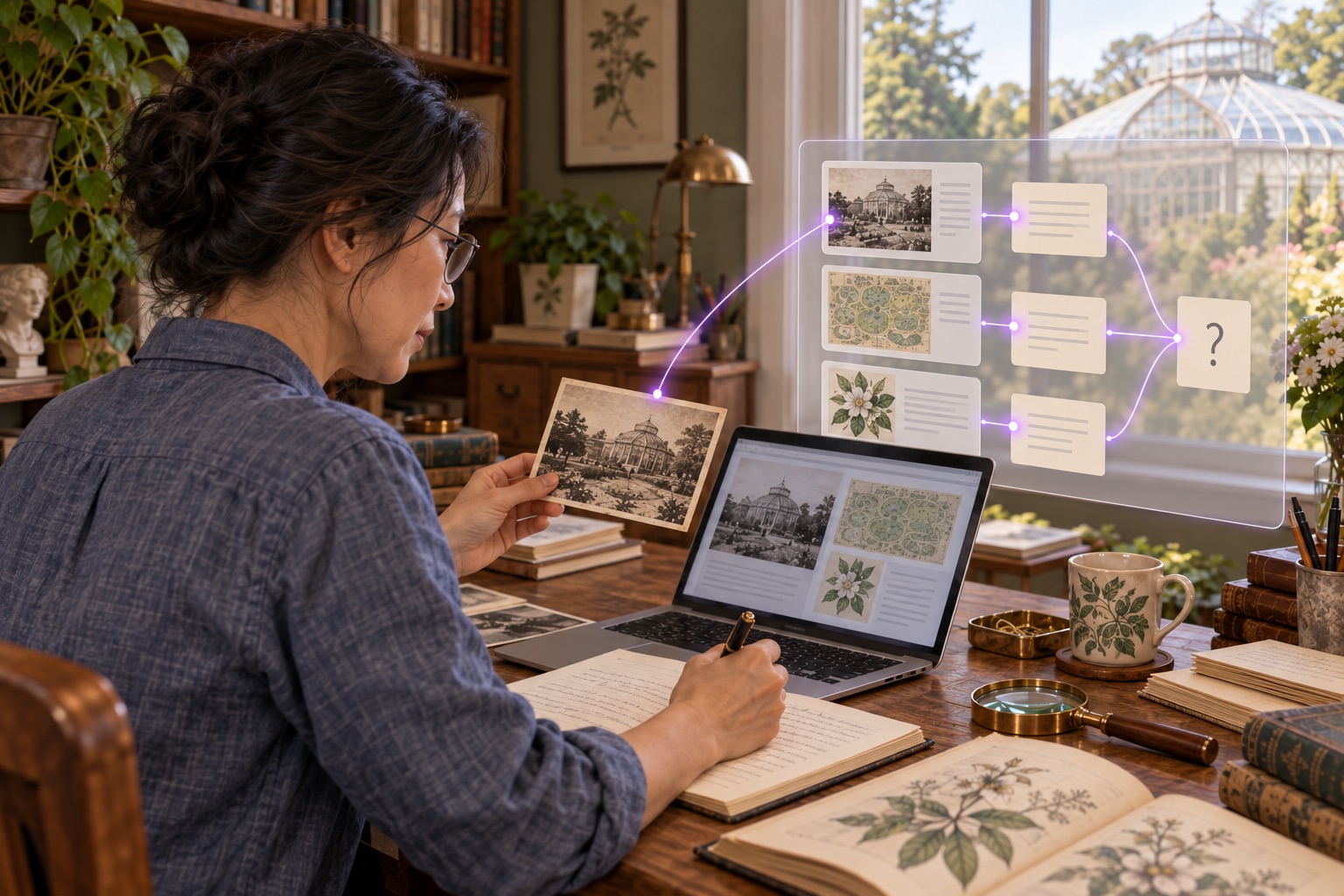
Sources and questionsAI-assisted extraction and comparisonReviewed conclusionsReports and further research
Explore the guide